PyVISA on Linux: USB, GPIB, and LAN instruments that answer
By Alex Hernandez · · 14 min read
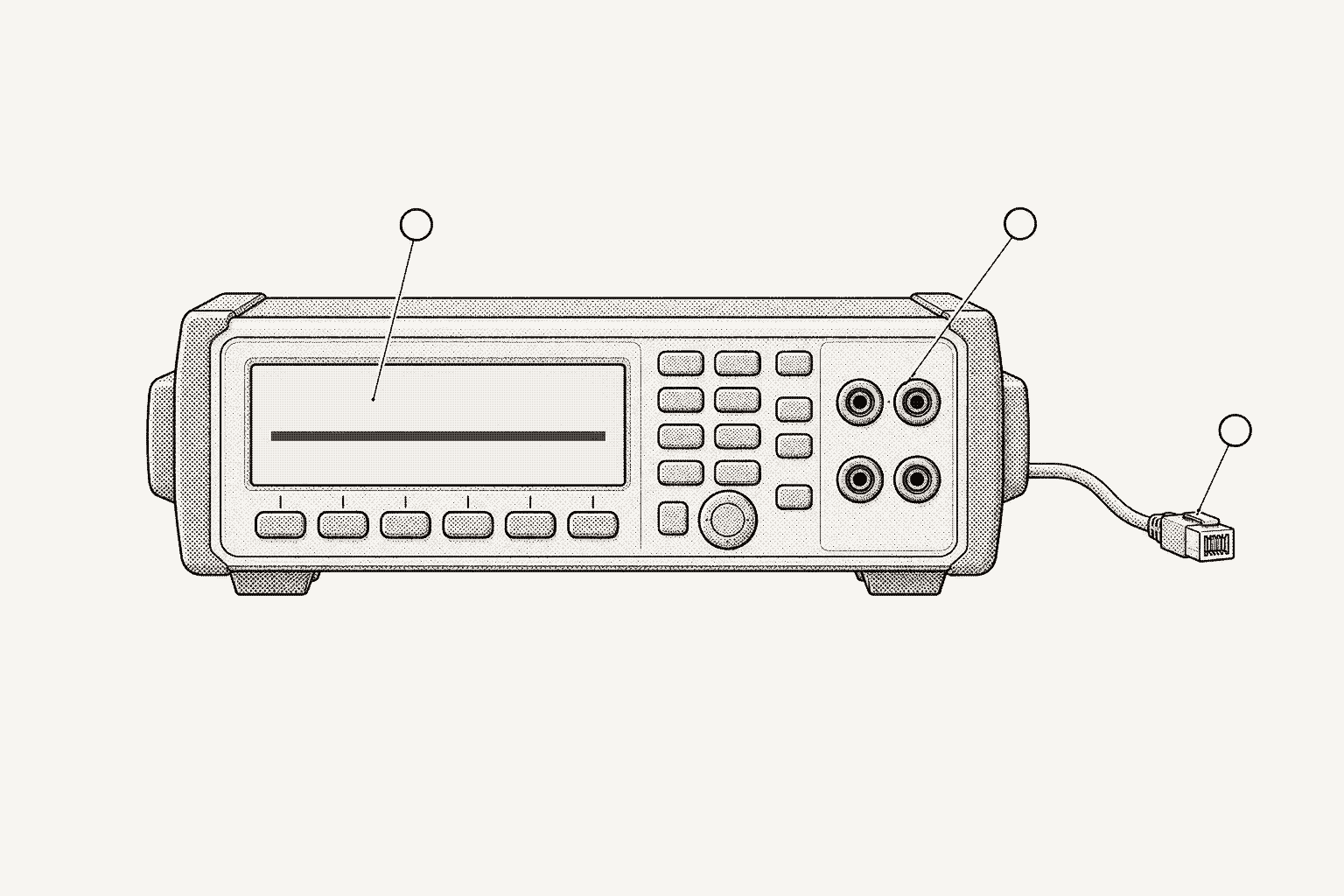
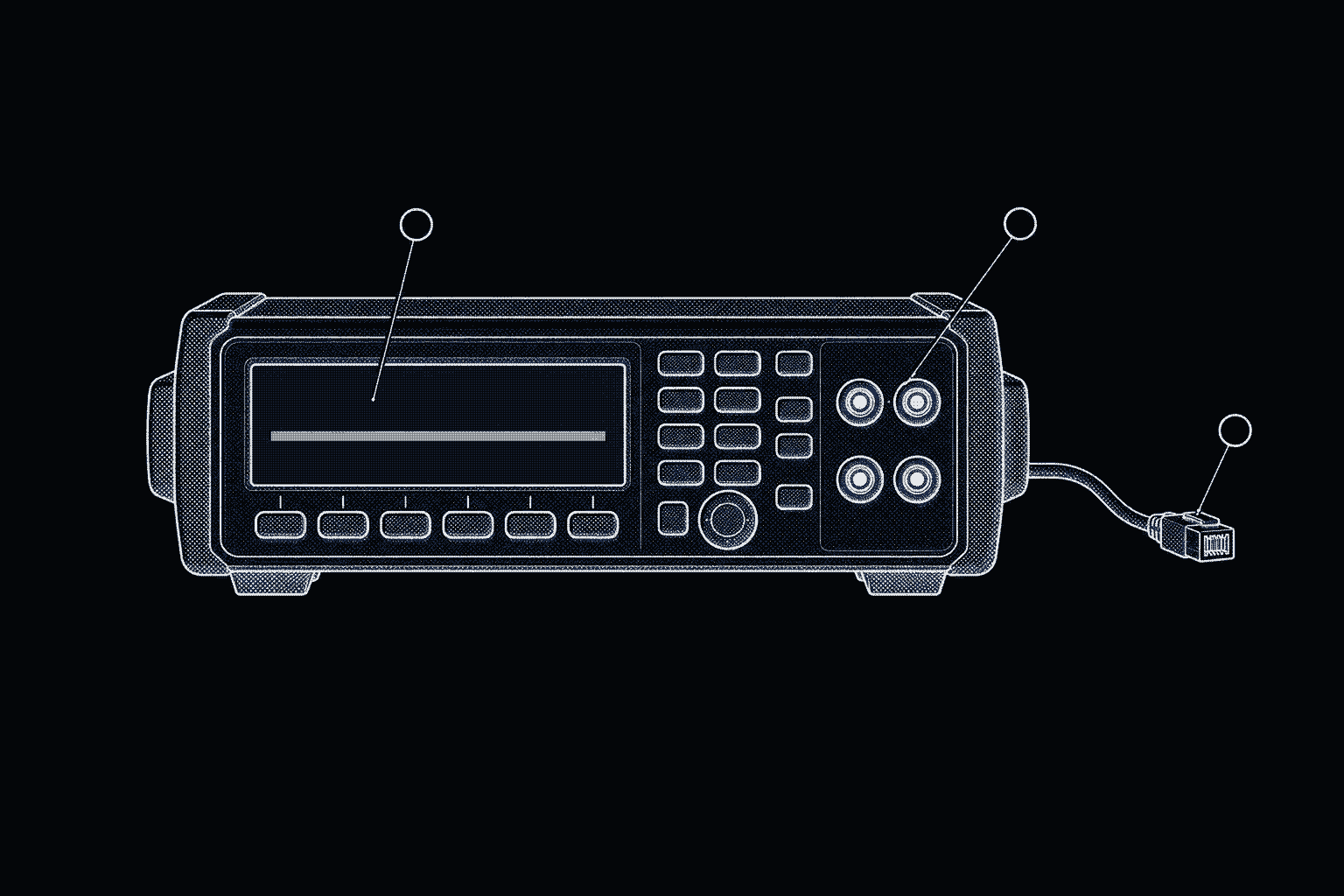
PyVISA works on Linux without a vendor VISA library. Install pyvisa and pyvisa-py, then add one piece per bus: PyUSB, libusb and a udev rule for USBTMC; linux-gpib with gpib-ctypes, or a Prologix adapter, for GPIB; nothing for LAN, plus psutil and zeroconf for discovery. Most failures after that are permissions.
This guide covers each bus on a Linux bench PC or a Raspberry Pi, with the messages PyVISA-py reports when a piece is missing. It uses PyVISA 1.16.2 and PyVISA-py 0.8.1, the current PyPI releases in October 2026. For what to send once an instrument answers, see SCPI instrument automation with Python.
Which packages does PyVISA-py need on Linux?
PyVISA is the API; a backend does the I/O. With no argument, pyvisa.ResourceManager() uses an installed IVI VISA library if it finds one and falls back to PyVISA-py otherwise. To make the choice explicit, pass "@py" or set PYVISA_LIBRARY=@py in the environment.
PyVISA-py is pure Python and requires Python 3.10 or newer. Its installation docs are blunt about the default: with no extra libraries, it can reach only TCPIP resources. Every other bus is an optional dependency, and the package declares them as pip extras, so one command covers a typical bench:
python3 -m venv ~/bench-venv
. ~/bench-venv/bin/activate
pip install pyvisa "pyvisa-py[usb,serial,psutil,hislip-discovery,gpib-ctypes]"
pyvisa-info| Bus | Python package (PyVISA-py extra) | Linux requirement | Example resource string |
|---|---|---|---|
| LAN: VXI-11, HiSLIP, raw socket | None; psutil (psutil) and zeroconf (hislip-discovery) for discovery | None | TCPIP0::192.168.1.50::inst0::INSTR |
| USBTMC | pyusb (usb) | libusb 1.0 and a udev rule | USB0::0x2A8D::0x0101::MY54505555::INSTR |
| GPIB through a kernel driver | gpib-ctypes (gpib-ctypes) or linux-gpib's own bindings | linux-gpib library, a kernel driver, gpib_config | GPIB0::22::INSTR |
| GPIB through a Prologix adapter | pyserial (serial) for the USB model; none for Ethernet | Access to the serial device (USB model) | PRLGX-ASRL0::/dev/ttyUSB0::INTFC |
| Serial | pyserial (serial) | Access to the serial device | ASRL/dev/ttyUSB0::INSTR |
Run pyvisa-info first. It lists every session type PyVISA-py loaded and, for each one it could not, the reason, such as Please install PyUSB to use this resource type. It also reports discovery coverage, for example VXI-11: partial (psutil not installed). PyUSB also needs a native libusb; if none is found, PyVISA-py reports that PyUSB does not seem to be properly installed and suggests the libusb-package wheel, which the usb-full extra installs.
How do I fix USB permission errors for USBTMC instruments?
The classic first failure on Linux is an instrument that lsusb shows and PyVISA cannot open. Device nodes under /dev/bus/usb belong to root unless a udev rule says otherwise, and PyVISA-py opens the instrument through libusb at that node. When it cannot, list_resources() leaves the instrument out and logs two warnings: Found a USB INSTR device whose serial number cannot be read, followed by User does not have permission to ..., naming the missing access and the node, such as /dev/bus/usb/001/004. PyVISA's logger is silent by default, so call pyvisa.log_to_screen() before listing, or the instrument just goes missing without a word.
There is a second node to consider. Linux's own usbtmc driver also binds to the instrument and creates /dev/usbtmcN. The PyVISA-py 0.8.1 install notes say both nodes need suitable permissions, and that if only /dev/usbtmcN has them, you get the serial-number warning. When PyVISA-py opens the device, it detaches any kernel driver from interface 0, so the two do not fight over it.
The fix is a rule keyed on the vendor ID. Find it with lsusb, where each line shows ID vvvv:pppp, the vendor and product IDs in hex. The Linux USB ID list gives 2a8d for Keysight, 0957 for Agilent-era units, 0699 for Tektronix, 0aad for Rohde & Schwarz, 1ab1 for Rigol, f4ec for Siglent and 05e6 for Keithley.
# libusb nodes under /dev/bus/usb, which pyvisa-py opens
SUBSYSTEM=="usb", ATTR{idVendor}=="2a8d", MODE="0660", GROUP="plugdev"
SUBSYSTEM=="usb", ATTR{idVendor}=="0957", MODE="0660", GROUP="plugdev"
# nodes created by the kernel usbtmc driver
KERNEL=="usbtmc[0-9]*", MODE="0660", GROUP="plugdev"sudo groupadd -f plugdev # no-op if the group already exists
sudo usermod -aG plugdev "$USER" # takes effect at your next login
sudo udevadm control --reload
sudo udevadm trigger # or unplug and replug the instrumentThe last two lines matter. Per the udevadm manual, reloading rules "does not apply any changes to already existing devices", so an instrument plugged in before the rule existed keeps its old permissions until a new event arrives.
One quirk to expect once listing works: PyVISA-py formats USB resources with decimal IDs and an interface number, so a Keysight meter with IDs 0x2A8D and 0x0101 lists as, for example, USB0::10893::257::MY54505555::0::INSTR. PyVISA-py parses both forms with Python's int(x, 0), so either string opens the same instrument.
How do I set up GPIB on Linux with linux-gpib?
GPIB on Linux has two layers: a kernel driver for the adapter, and a user-space library that programs call. The Linux GPIB Package supplies both under the GPL, with a C library whose API is intended to be compatible with NI's GPIB library and bindings for Python and other languages.
The kernel layer has moved. The drivers entered the mainline kernel's staging tree in Linux 6.13 and were promoted to drivers/gpib in Linux 6.19, whose Kconfig points to linux-gpib for the user-space library. Whether your distribution's kernel builds those modules is a configuration choice. The linux-gpib documentation says its own kernel part is provided "for installations that do not have built-in kernel support for the drivers." Either way, you still install the linux-gpib user-space library.
Which board_type does my GPIB adapter use?
Each adapter maps to a board_type in /etc/gpib.conf. These rows come from linux-gpib's supported hardware list:
| Adapter | board_type | What to know |
|---|---|---|
| NI GPIB-USB-HS | ni_usb_b | No firmware upload. Most inexpensive clones do not work with linux-gpib. |
| NI GPIB-USB-HS+ | ni_usb_b | Most need no upload; a unit that enumerates as product ID 0x761e needs a one-time upload, which the hsplus_load utility does from Linux. |
| Keysight (Agilent) 82357B | agilent_82357a | Needs a firmware upload through fxload each time it is plugged in, before gpib_config. The firmware is distributed separately. System controller only. |
| NI PCI-GPIB, PCIe-GPIB, PXI-GPIB | ni_pci | All use the tnt4882 driver. |
| Keithley KUSB-488A, MCC USB-488 | ni_usb_b | Handled by the NI USB driver. |
| Raspberry Pi GPIO adapter | gpib_bitbang | System controller only; up to four devices without SN75160/161 driver chips. |
For USB adapters, the linux-gpib tarball ships udev rules that run the firmware upload, where one is needed, and then gpib_config. For other boards, or to check by hand, write the interface entry and run the configuration tool:
interface {
    minor = 0                 /* /dev/gpib0, which VISA calls GPIB0 */
    board_type = "ni_usb_b"   /* agilent_82357a for an 82357B */
    pad = 0                   /* the adapter's own GPIB address */
    master = yes              /* system controller */
}sudo gpib_config --minor 0
ibterm -d 22 # type *IDN? at the prompt; Ctrl-D quitsgpib_config must run after the driver loads; it brings the board online with the address and controller role from the file. The file lives in the sysconfdir chosen when linux-gpib was built, typically /etc or /usr/local/etc, and the IB_CONFIG environment variable overrides it. If ibterm returns the instrument's identity, the bus works and anything left is Python. Programs need read-write access to /dev/gpib0, so check its group with ls -l the same way as for USB.
On the Python side, PyVISA-py tries gpib-ctypes first and falls back to the bindings linux-gpib builds, and its own error message notes that gpib-ctypes gives access to "a broader range of functionalities." gpib-ctypes loads the installed GPIB C library through ctypes and is API-compatible with linux-gpib's bindings, so it installs into a virtual environment like any other package. It does not replace the library or the driver underneath.
import pyvisa

rm = pyvisa.ResourceManager("@py")
print(rm.list_resources())                  # listeners on configured boards
dmm = rm.open_resource("GPIB0::22::INSTR")  # board 0 is linux-gpib minor 0
print(dmm.query("*IDN?"))
Prologix adapters need no kernel driver
PyVISA-py 0.8.0 added support for Prologix's USB and Ethernet GPIB adapters. The USB model appears as a serial port and the Ethernet model as a TCP host, so the Linux requirements are PySerial and permission to open the device: no kernel module, no gpib.conf. Open the adapter as an interface resource, keep it open, and address instruments on that board number:
import pyvisa

rm = pyvisa.ResourceManager("@py")
adapter = rm.open_resource("PRLGX-ASRL0::/dev/ttyUSB0::INTFC")  # board 0; keep it open
# Ethernet model: rm.open_resource("PRLGX-TCPIP0::192.168.1.60::1234::INTFC")

dmm = rm.open_resource("GPIB0::22::INSTR")  # routed through the adapter on board 0
print(dmm.query("*IDN?"))
On open, PyVISA-py puts the adapter in controller mode and turns off its automatic read-after-write (++mode 1, ++auto 0). It does not enumerate the instruments behind the adapter, so use their GPIB addresses directly. The PyVISA resource name parser defaults the Ethernet port to 1234.
How do I discover LXI instruments on Linux?
PyVISA-py runs two discovery methods for TCPIP::INSTR resources. Both are visible in its source:
- VXI-11 sends a UDP broadcast to the portmapper on port 111, asking which hosts serve the VXI-11 core program. With psutil installed, it sends to the broadcast address of every IPv4 interface. Without psutil, it sends only to 255.255.255.255 and warns that discovery "is limited to the default interface." Hosts that answer are listed as
TCPIP::<address>::INSTR. - HiSLIP browses mDNS for
_hislip._tcp.local.services through zeroconf and lists each asTCPIP::<address>::hislip0,4880::INSTR.
LXI instruments advertise themselves over mDNS and DNS-SD. The LXI Consortium's protocol table puts mDNS on UDP 5353 with multicast group 224.0.0.251 and VXI-11 on the portmapper at port 111, and lists HiSLIP, SCPI raw and SCPI Telnet as optional services on TCP 4880, 5025 and 5024. The IANA service registry lists DNS-SD service names for lxi, vxi-11, scpi-raw and scpi-telnet. On a Linux host running the Avahi daemon, you can see what the network advertises without Python:
avahi-browse -rt _lxi._tcp      # -r resolves addresses, -t exits after one pass
avahi-browse -rt _hislip._tcp
avahi-browse -rt _scpi-raw._tcp
If ping reaches an instrument but discovery misses it, look at the path. Broadcasts and link-local multicast stay on the local subnet, so an instrument behind a router is reachable but never discovered, and a host firewall that drops inbound UDP hides the replies. Either way, open the instrument by address; discovery is a convenience.
How do I connect to a raw socket instrument?
Many instruments accept SCPI on a plain TCP port, often 5025, the port IANA registers as scpi-raw. PyVISA-py 0.8.1 does not discover socket resources (the unreleased 0.9.0 adds it), and list_resources() filters on ?*::INSTR by default anyway, so build the resource string from the address and the port in the instrument's manual:
import pyvisa

rm = pyvisa.ResourceManager("@py")
inst = rm.open_resource(
    "TCPIP0::192.168.1.50::5025::SOCKET",
    read_termination="\n",   # mandatory: a socket has no end-of-message marker
    write_termination="\n",
    timeout=5_000,           # milliseconds
)
print(inst.query("*IDN?"))
A raw socket carries bytes and nothing else. Without read_termination, every read waits out the timeout, and with no device clear, the fix after a timeout is to close and reopen the connection; the SCPI automation guide covers both traps. Neither raw sockets nor VXI-11 authenticate the client, so keep those ports off shared networks. The photonics guide opens a Keysight 8164B over a raw socket on port 5025.
Can a Raspberry Pi be a PyVISA bench gateway?
Yes. USB and serial instruments, and GPIB instruments on a card or USB adapter, are reachable only from the computer they are plugged into, so a Raspberry Pi next to the bench can own those connections while laptops and CI runners reach the instruments over the network.
Everything above applies on Raspberry Pi OS. From Bookworm onward, pip installs only into a virtual environment, which is why the install block above starts with python3 -m venv. Check python3 --version on older images, since PyVISA-py 0.8.1 needs 3.10 or newer. For GPIB, the Pi has an option a PC lacks: linux-gpib's gpib_bitbang driver runs an adapter from the GPIO header, and the linux-gpib documentation says it currently works only on Raspberry Pi platforms. It supports three pin maps (elektronomikon, gpib4pi-1.1 and yoga), cannot act as a device, and does not support parallel poll.
Sharing those instruments with other machines takes one of three approaches, roughly in order of scale:
- SSH in and run scripts on the Pi. Enough for one engineer and one bench.
- Write a small service. You then own the protocol, instrument locking, logging and authentication.
- Run a daemon built for it.
Galois is agent-driven test engineering for hardware teams: agents generate tests and instrument drivers, run them on real benches through the open-source galois-edge daemon, and turn the results into reports and a shared engineering record.
galois-edge is that daemon. Its installer supports Raspberry Pi OS (Bullseye and later) on arm64, registers a systemd service, and writes udev rules at /etc/udev/rules.d/99-galois-edge.rules that grant plugdev access to USBTMC instruments from a listed set of vendors and dialout access to common USB-serial adapters. For a vendor outside that list, add a rule like the one above. galois-edge doctor checks group membership and whether linux-gpib's gpib_config is installed.
At startup and on a rescan interval (60 seconds by default), the daemon walks every enabled bus, including a linux-gpib scan of primary addresses 1 to 30, USBTMC through PyVISA, LAN through mDNS browsing for _lxi._tcp.local. plus a static list, and USB-serial adapters. Each instrument is identified with *IDN? and matched against the profiles the daemon has loaded, and instruments without a profile still accept raw SCPI; Galois ships 573 instrument profiles across 135 manufacturers in its instrument library. Raw socket instruments go in the static list:
EDGE_NAME=lab-pi-01
GPIB_ENABLED=true
LAN_INSTRUMENTS=TCPIP::192.168.1.50::5025::SOCKET
From a laptop, the typed galois SDK connects straight to the daemon with galois.Edge.connect("lab-pi-01:50051"). Existing PyVISA scripts change one line, to pyvisa.ResourceManager("@galois"), and reach the Pi's instruments through Galois Cloud. The gRPC API accepts an optional INBOUND_AUTH_TOKEN; when it is set, every call except Ping needs the bearer token, and when it is empty, the network is the boundary. The same daemon serves agents over MCP: on the direct path there is no per-call auth and the port is exposed on the tailnet address and 0.0.0.0, while the relay path carries a signed per-call token checked against tool permissions. The MCP server reference covers both agent paths, and deployment options covers the rest.
To run this guide's checks from the Galois app instead of scripts, see the agent walkthrough below.
How to list and query instruments in Galois with Évariste
Évariste, the agent in the Galois platform, can do the Python part of this guide: listing instruments, querying each one and recording the replies. The Linux part stays yours. You still install galois-edge, add udev rules for vendors outside the installer's list, bring GPIB boards online with gpib_config, and list socket instruments in LAN_INSTRUMENTS. Then open Évariste from the app sidebar (Ctrl+Shift+E) beside the project; AI test automation for hardware benches explains how it builds sequences and profiles.
Prompt. State the bench you expect:
List connected instruments on lab-pi-01. The bench should have a Keysight meter on USB with serial MY54505555, a DMM at GPIB address 22 with serial 4091827, and a socket instrument at 192.168.1.50 port 5025 with serial MY48004123. Query
*IDN?on each and tell me which have a profile.
Inventory and identity. Évariste lists the instruments on your team's edges, reads each profile's commands, and sends each instrument its identity query. Dangerous commands, such as a reset or an output enable, wait for your confirmation; *IDN? is not one of them. An instrument missing from the list points back to the layers above: a udev rule, an offline GPIB board, or a missing static entry.
Drivers. An instrument without a profile still answers raw SCPI. For named commands, upload its programming manual as a PDF; Évariste generates a profile, which you review, deploy to lab-pi-01 and bind to the instrument. The profile carries the terminator and timeout that socket_idn.py sets by hand.
Draft. Once each instrument has a profile, repeat the check after a reboot or recabling by asking "Create a sequence that checks every instrument on lab-pi-01 against the serials above." Évariste writes a string_value step per instrument that passes when the *IDN? reply contains the expected serial, so a swapped instrument fails the run; an exact match on the whole reply would also fail after a firmware update. An excerpt:
name: "lab-pi-01 bench check"
steps:
  - name: "USB meter is serial MY54505555"
    type: string_value
    config:
      instrument_id: "usb_dmm"
      command_name: "identify"
      expected_value: "MY54505555"
      comparison: "CONTAINS"

  - name: "GPIB DMM at address 22 is serial 4091827"
    type: string_value
    config:
      instrument_id: "gpib_dmm"
      command_name: "identify"
      expected_value: "4091827"
      comparison: "CONTAINS"

  - name: "Socket instrument at 192.168.1.50:5025 is serial MY48004123"
    type: string_value
    config:
      instrument_id: "socket_inst"
      command_name: "identify"
      expected_value: "MY48004123"
      comparison: "CONTAINS"
Review and approval. The draft cannot run until an engineer approves it. Check that each step targets the instrument at the address you expect; how to review an AI-generated test plan covers the rest. Edit in conversation or in the sequence builder; every change is a new version with history and a diff, an edit after approval needs a new approval, and a sequence can be production-locked.
Run, results and report. Start the run; its commands reach the instruments through galois-edge on the Pi. Each step records pass or fail, the raw command and response, the instrument, the operator and timestamps, so the full *IDN? reply, firmware included, stays on the record. Ask Évariste which steps failed, or to compare today's run with an earlier one to see which replies changed. Then ask it to "Generate a test report from the last run", edit it in the report editor, and share the results to Slack.
You no longer write or maintain gpib_idn.py, socket_idn.py, their terminations and timeouts, logging or a report script. The Linux setup, the addresses, the bench description in the prompt, the review, the approval and the cabling stay with you.
| Step | Code path (this guide) | Galois with Évariste |
|---|---|---|
| Install | pip install with extras; pyvisa-info | galois-edge installer; galois-edge doctor |
| USB access | udev rule by vendor ID | Installer's rules; your rule for other vendors |
| GPIB | linux-gpib, gpib_config, gpib-ctypes | linux-gpib, gpib_config; daemon scans addresses 1 to 30 |
| LAN | psutil and zeroconf discovery; socket string | mDNS browsing plus LAN_INSTRUMENTS |
| Identify | gpib_idn.py, socket_idn.py | "List connected instruments"; identity query per instrument |
| Driver | Strings and terminations in each script | Library profile, or one generated from the manual |
| Repeat and record | Rerun the scripts; your own logging | Approved, versioned sequence; per-step run record |
| Interpret and report | Read the output; your own script | Failed steps, run comparison; generated report |
PyVISA on Linux troubleshooting
| Symptom | Likely cause | Fix |
|---|---|---|
pyvisa-info says Please install PyUSB to use this resource type | PyUSB missing | pip install "pyvisa-py[usb]" |
PyUSB does not seem to be properly installed | No native libusb | Install libusb 1.0 from your distribution, or the usb-full extra |
Found a USB INSTR device whose serial number cannot be read | No read-write access to the USB node | udev rule by vendor ID, group membership, reload and replug |
Please install linux-gpib (Linux) or gpib-ctypes | No GPIB bindings | pip install gpib-ctypes, with linux-gpib's library installed |
gpib_ctypes is installed but could not locate the gpib library | linux-gpib's user-space library missing or off the library path | Install linux-gpib, or load the library by path before importing pyvisa |
ibterm gets no reply | Board offline, firmware not uploaded, or wrong address | Run gpib_config; check firmware for the 82357B; check the instrument's address |
TCPIP:instr resource discovery is limited to the default interface | psutil missing | pip install psutil |
TCPIP::hislip resource discovery requires the zeroconf package | zeroconf missing | pip install zeroconf |
| Socket reads always time out | No read_termination | Set it to the instrument's terminator, usually "\n" |
Where to go from here
With the buses answering, the remaining work is in the scripts: the SCPI automation guide builds a logged, error-checked session class, and declarative instrument drivers covers when to move command strings into data. For one engineer and one bench, PyVISA-py on a PC or a Pi is often all you need; the Galois and PyVISA comparison shows where a shared daemon starts to pay off. To try galois-edge on your own Pi, start with the quickstart.
Frequently asked questions
- Does PyVISA work on Linux without NI-VISA?
- Yes. Install pyvisa and pyvisa-py. PyVISA uses an installed IVI VISA library if it finds one and falls back to PyVISA-py otherwise; ResourceManager('@py') or PYVISA_LIBRARY=@py selects it explicitly. With no extras, PyVISA-py reaches only TCPIP resources. Add PyUSB and libusb for USBTMC, PySerial for serial and USB Prologix adapters, gpib-ctypes plus linux-gpib for GPIB, and psutil and zeroconf for LAN discovery.
- Why does PyVISA-py say a USB device's serial number cannot be read?
- On Linux it almost always means your user cannot open the device node. PyVISA-py follows the warning with the node it could not open, such as /dev/bus/usb/001/004. Both are log messages, so call pyvisa.log_to_screen() first to see them. Add a udev rule that grants a group read-write access by vendor ID, add your user to that group, log in again, then reload the rules and replug the instrument.
- How do I use a GPIB adapter with PyVISA on Linux?
- Install linux-gpib (the user-space library, plus its kernel drivers if your kernel does not build them), set the adapter's board_type in gpib.conf (ni_usb_b for an NI GPIB-USB-HS, agilent_82357a for a Keysight 82357B), run gpib_config, and pip install gpib-ctypes. Then open GPIB0::22::INSTR from PyVISA-py. Prologix adapters skip all of that: PyVISA-py 0.8.0 and later drives them through PySerial or TCP.
- Why doesn't list_resources() find my Ethernet instrument?
- PyVISA-py discovers VXI-11 instruments by UDP broadcast, on every interface only when psutil is installed, and HiSLIP instruments by mDNS, which needs zeroconf. Both stay on the local subnet. A host firewall that drops inbound UDP hides the replies. Raw socket instruments are not discovered in PyVISA-py 0.8.1, and the default query lists only ::INSTR resources, so open those by address.
- Can I list and query Linux bench instruments without writing Python?
- Yes, in Galois, though the Linux setup stays yours: installing galois-edge, udev rules for vendors outside the installer's list, gpib_config, and static entries for socket instruments. Évariste lists the instruments on the edge and queries *IDN? on each. For an instrument without a profile, upload its programming manual as a PDF; Évariste generates a profile, which you review, deploy and bind. It then drafts a sequence that checks each reply for the serial you expect. An engineer approves the draft before it runs through galois-edge, each step records pass or fail with the raw command and response, and Évariste compares runs and generates the report.
Bring Galois to your bench.
The daemon is Apache-2.0, free forever. Enterprise runs in your cloud or on-prem.